Data is the lifeblood of modern applications, and managing it effectively is crucial for building robust, scalable software. Python developers often turn to lightweight yet powerful tools like SQLite and SQLAlchemy to handle data storage and retrieval. In this guide, we'll explore how these three technologies intertwine to provide reliable data management, from defining database schemas to performing complex queries using object-oriented patterns. Whether you're a beginner looking to understand the basics or an experienced developer seeking a refresher, this article will solidify your knowledge and help you apply it in real-world projects.
Understanding the Core Components
Python as the Glue
Python's versatility makes it an ideal language for data management. With its extensive standard library and third-party packages, you can connect to databases, manipulate data, and build sophisticated models with minimal code. Python's readability and dynamic typing allow you to focus on solving problems rather than boilerplate syntax. In the context of database management, Python acts as the orchestrator—defining how data flows between your application and the storage layer.
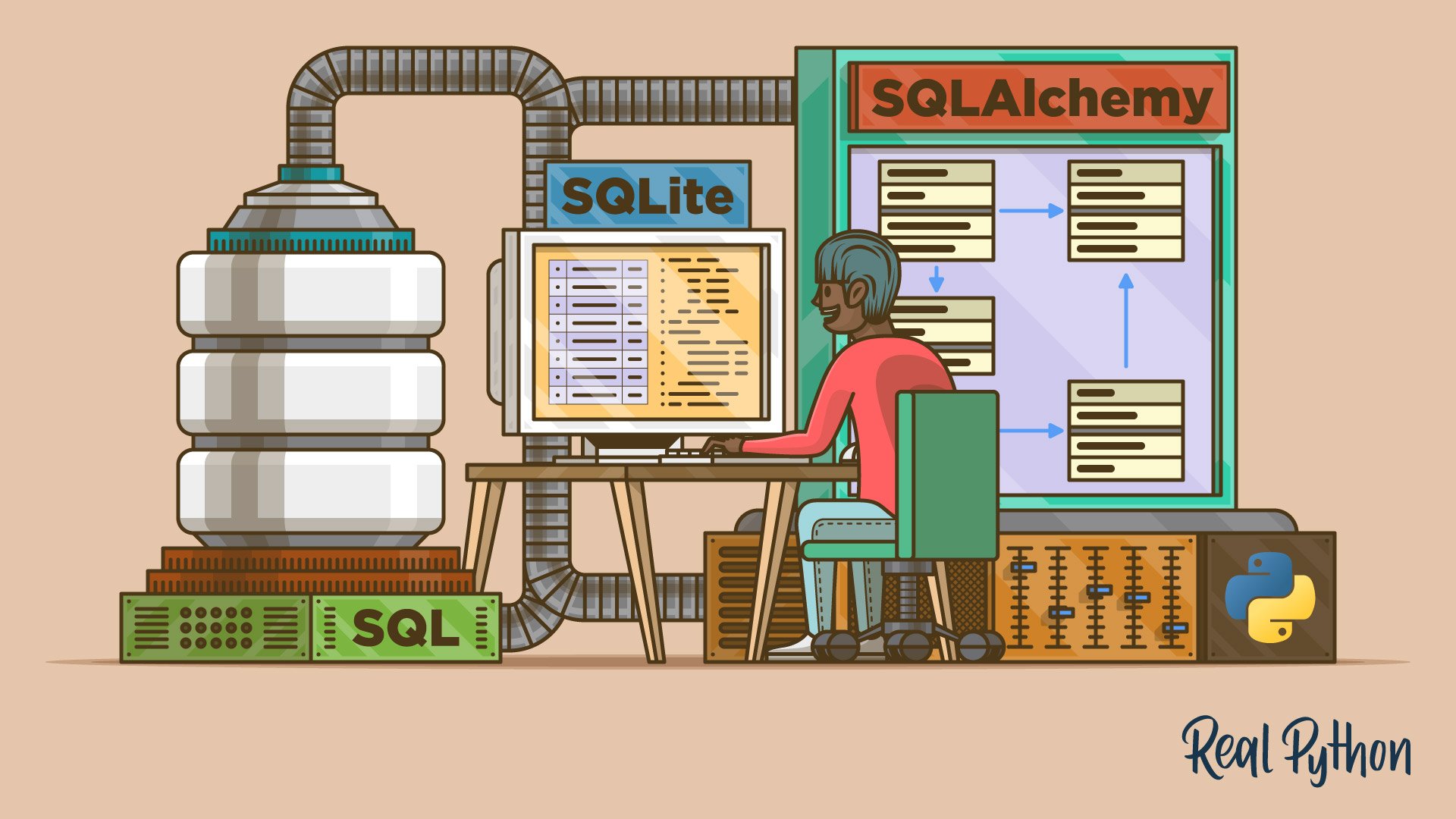
SQLite – Lightweight and Reliable
SQLite is a self-contained, serverless, zero-configuration relational database engine. It stores data in a single file on disk, making it perfect for embedded applications, prototyping, and small-to-medium projects. SQLite supports most of the SQL standard, including transactions, triggers, and views. Its lightweight nature means you don't need to set up a separate database server; everything runs within your Python process. This simplicity comes with performance trade-offs (e.g., concurrent writes are limited), but for many use cases, SQLite is a robust and efficient choice.
SQLAlchemy – The ORM Bridge
SQLAlchemy is a powerful SQL toolkit and Object-Relational Mapping (ORM) library for Python. It provides a full suite of patterns for working with databases, from low-level SQL expression language to high-level model definitions. The ORM layer allows you to interact with database tables as if they were Python objects, mapping classes to tables and instances to rows. This abstraction reduces code duplication and eliminates many common SQL injection vulnerabilities. SQLAlchemy works seamlessly with SQLite and many other database backends, offering a unified way to manage data across environments.
Key Concepts in Database Design
Primary Keys and Foreign Keys
Relational databases rely on keys to maintain integrity and relationships between tables. A primary key uniquely identifies each row in a table. It must be unique and not null. Typically, you'll use an auto-incrementing integer or a UUID to ensure uniqueness. A foreign key is a field in one table that references the primary key of another table, establishing a link between the two. For example, an orders table might have a customer_id foreign key that points to the id primary key of the customers table. Foreign keys enforce referential integrity, meaning you cannot insert a child row without a valid parent row.
SQL Operations – CRUD
Data management revolves around the four basic operations: Create, Read, Update, and Delete (CRUD). Using SQL, you perform these operations with statements like INSERT, SELECT, UPDATE, and DELETE. SQLite's SQL dialect supports all these operations efficiently. When combined with SQLAlchemy, you can execute these operations using Python methods, as shown below:
- Create:
session.add(new_record)followed bysession.commit() - Read:
session.query(Model).filter_by(...).all() - Update:
record.field = new_value; session.commit() - Delete:
session.delete(record); session.commit()
SQLAlchemy Models as Python Objects
SQLAlchemy allows you to define database schemas using Python classes. Each class inherits from declarative_base() and represents a table. Class attributes correspond to columns, with types like Integer, String, and Float. You can specify constraints such as primary_key=True or ForeignKey. For example:

from sqlalchemy import Column, Integer, String, ForeignKey
from sqlalchemy.ext.declarative import declarative_base

Base = declarative_base()

class Customer(Base):
    __tablename__ = 'customers'
    id = Column(Integer, primary_key=True)
    name = Column(String, nullable=False)

class Order(Base):
    __tablename__ = 'orders'
    id = Column(Integer, primary_key=True)
    customer_id = Column(Integer, ForeignKey('customers.id'))
    product = Column(String)
This code creates customers and orders tables with a foreign key relationship. You can then manipulate these models using Python syntax, without writing raw SQL. SQLAlchemy automatically generates the appropriate SQL statements when you commit changes.
Putting It All Together – Practical Steps
To start using Python, SQLite, and SQLAlchemy together, follow these steps:
- Install SQLAlchemy: Use pip:
pip install sqlalchemy. SQLite support is built-in. - Create an Engine:
engine = create_engine('sqlite:///mydatabase.db')points to a file-based SQLite database. - Define Your Models: Write Python classes as shown above, inheriting from
Base. - Create Tables:
Base.metadata.create_all(engine)generates the tables in the database. - Create a Session:
Session = sessionmaker(bind=engine); session = Session(). - Perform CRUD Operations: Add, query, update, and delete records using the session.
- Close the Session: Best practice is to use a context manager or ensure session is closed properly.
This workflow gives you a clean, Pythonic interface to your SQLite database. As your project grows, you can easily switch to PostgreSQL or MySQL by changing the connection string.
Testing Your Knowledge
Now that you've learned how Python, SQLite, and SQLAlchemy work together, it's time to test your understanding. The original quiz (not included in this article) covers topics such as primary and foreign keys, SQL operations, and the SQLAlchemy models that let you work with your data as Python objects. By working through such a quiz, you will reinforce these concepts and identify any gaps in your knowledge.
To further improve your Python skills, consider subscribing to 🐍 Python Tricks – a short and sweet Python trick delivered to your inbox every couple of days. Click here to learn more and see examples.